What this module is for
Use Captions to keep speech, reactions, and spoken context understandable when viewers watch without sound. ZoneClip generates timed lines inside the same editor as the video composition, so text can be reviewed against the exact moment it appears.
Generate timed lines
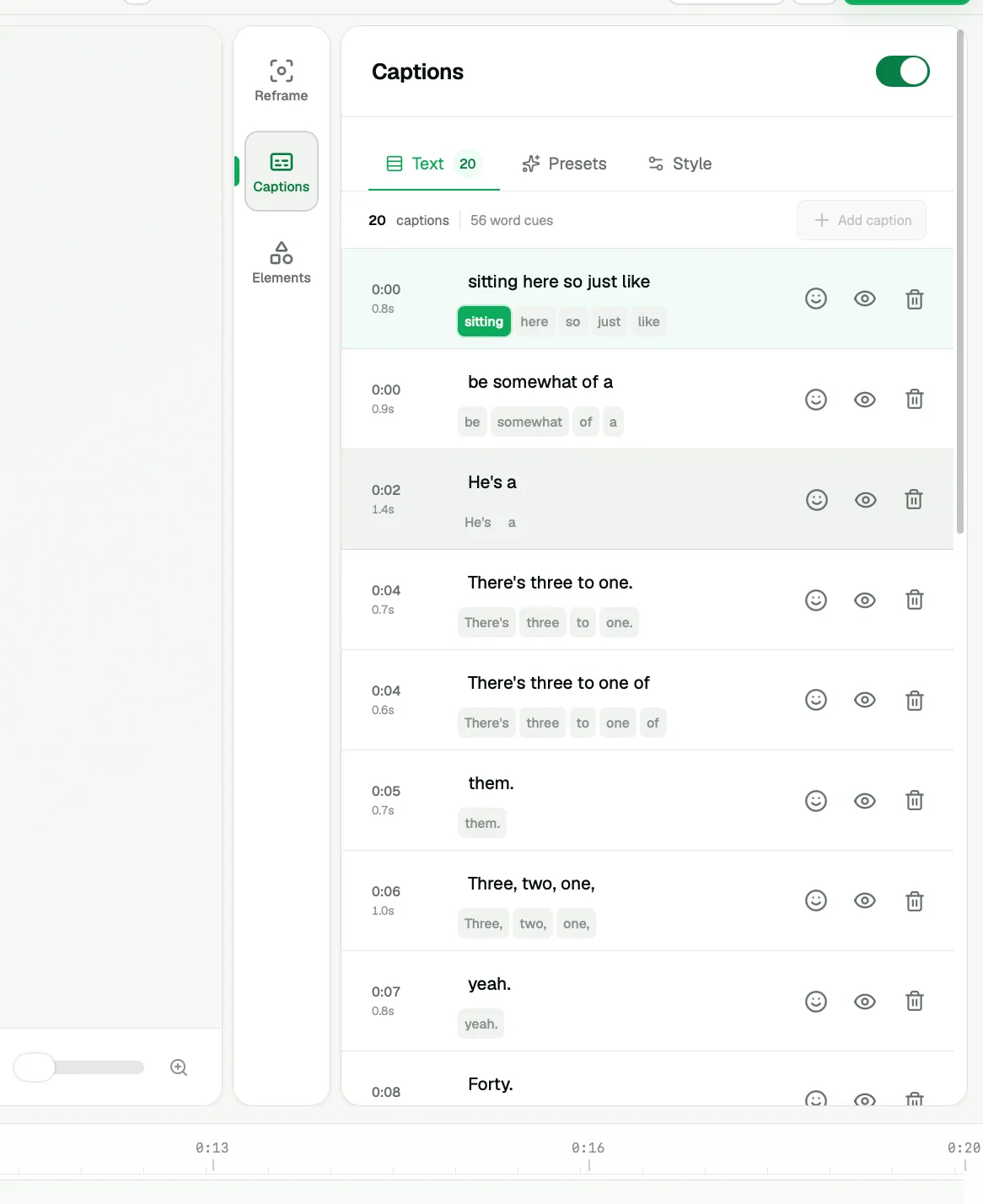
Generate captions after the clip range is stable. The result is a sequence of transcript lines aligned to the timeline. If you later change the clip boundaries substantially, review the first and last lines again.
Review the transcript
Read every line before publishing. Correct player names, handles, game terminology, slang, and any words hidden by game audio or overlapping speech. Keep the wording natural to the speaker instead of turning every line into formal prose.
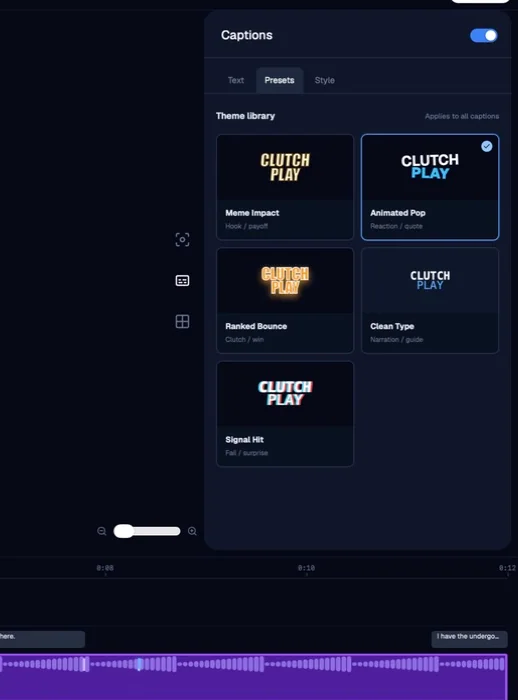
Choose a style
Apply a reusable preset to establish typography, emphasis, and placement quickly. Choose a style that remains readable over the source footage and fits the rest of the channel. You can refine the preset instead of accepting it unchanged.
You can also choose a caption preset and position before creating the project. These preferences use the editor's styles, are saved with the project for output, and are remembered for your next project.
Place captions safely
Keep captions away from platform controls, important HUD elements, the facecam, and the central action. Review several frames with different backgrounds because a position that works at the start may become difficult to read later.
During project setup, switch the output preview between TikTok and YouTube to check likely overlap with controls and descriptions. This is an illustrative placement preview, not detected framing or a guarantee of every platform's current interface. Check the finished clip before publishing.
Complete the final check
Watch the finished vertical composition at phone size, once with audio and once muted. Confirm that the text timing feels natural, no line is cut off, and the captions support rather than cover the story.