What this module is for
Use Publishing when finished clips are ready to move into a repeatable content schedule. The workspace brings connected accounts, queued posts, a cross-platform calendar, publishing status, and supported performance data into the same workflow.
Publishing uses 0 cloud analysis minutes. Editing, local rendering, and exporting also use no additional analysis minutes. Your selected platform still requires an internet connection, account authorization, and upload of the finished clip. See pricing and minute usage.
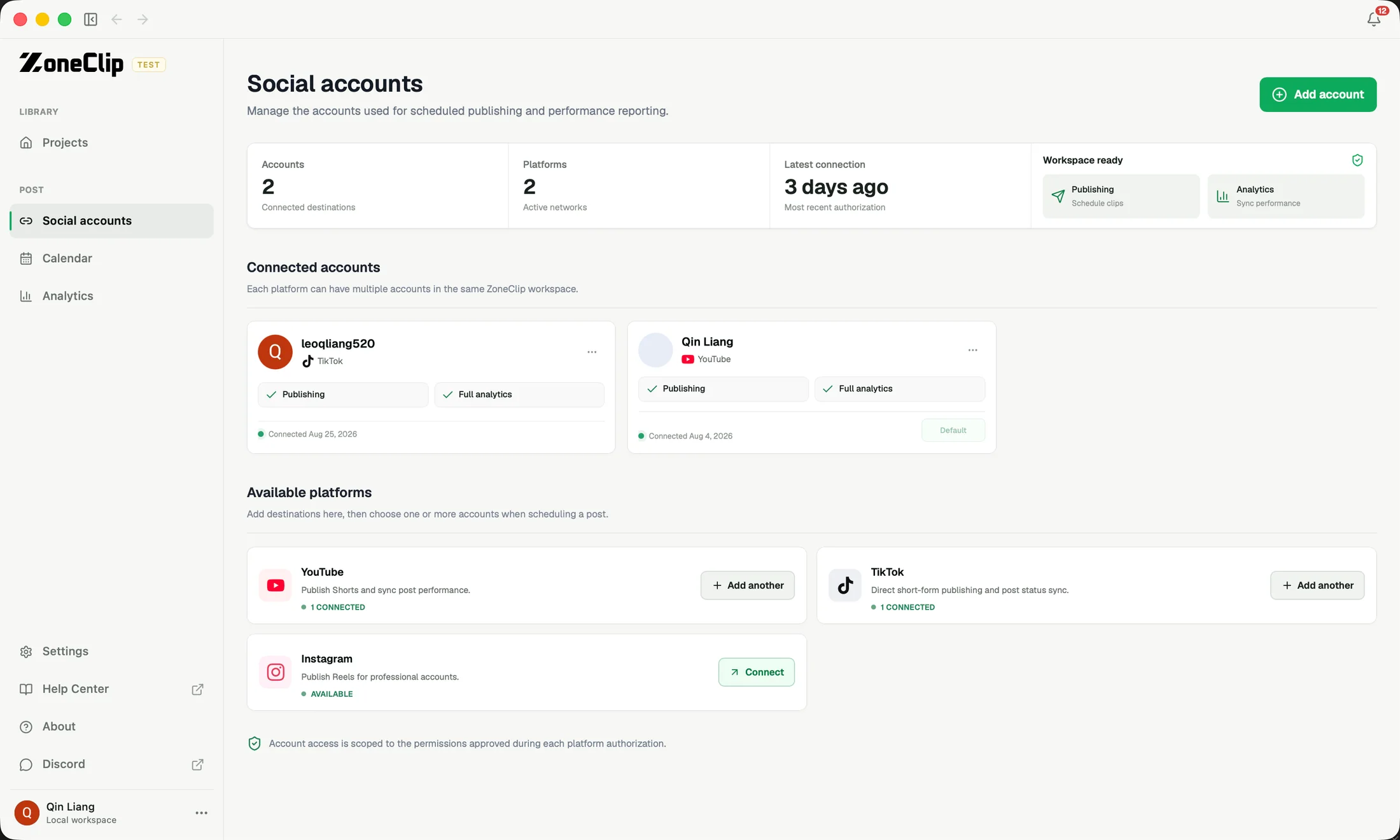
Connect the right accounts
Connect the YouTube, TikTok, or Instagram account you intend to publish to and complete that platform’s authorization flow. When you manage several channels or profiles, check the account name and platform before assigning a clip.
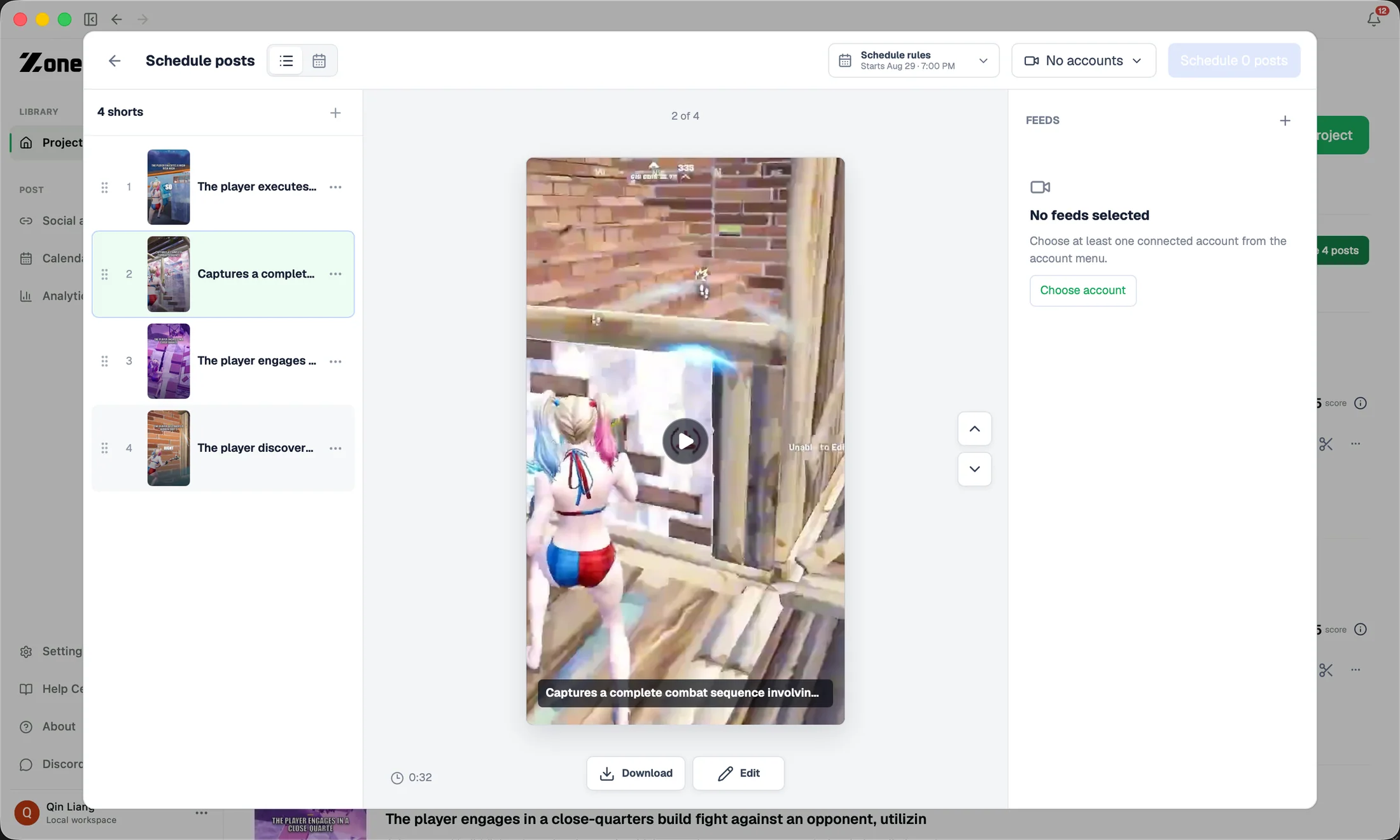
Prepare a post
Choose the finished asset, destination account, publish time, and available post details. Review the final video before scheduling it; the publishing step should not be the first time you notice a framing, caption, audio, or ending problem.
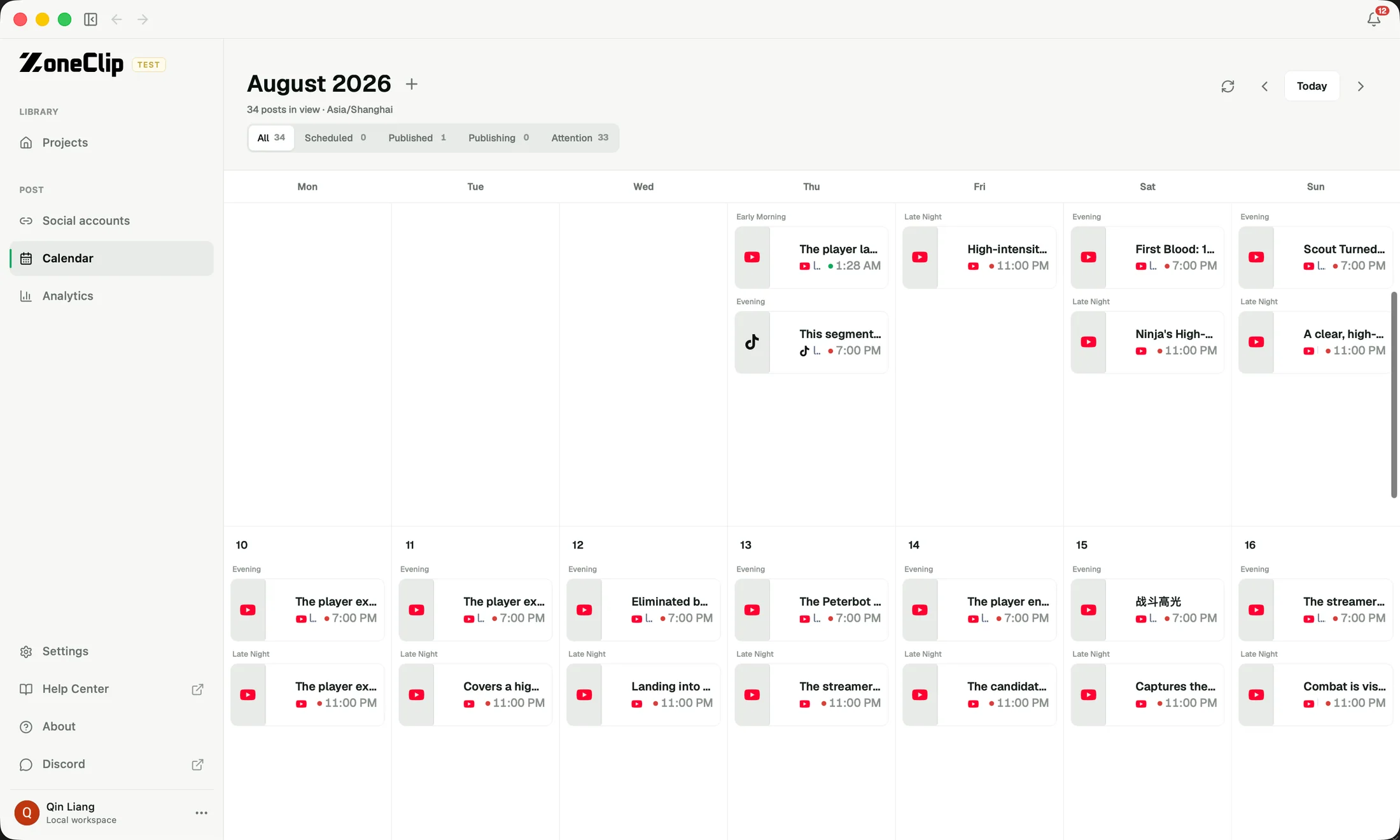
Review the publishing calendar
Use the calendar to see the cadence across platforms and accounts. Look for accidental gaps, duplicate times, or too many similar clips scheduled together. Each post should still have a clear destination and status when viewed in the queue.
Follow publishing status
Check whether a post is scheduled, processing, published, or needs attention. Platform availability depends on authorization, account eligibility, app review, permissions, and current API rules, so investigate the exact status instead of assuming every failure has the same cause.
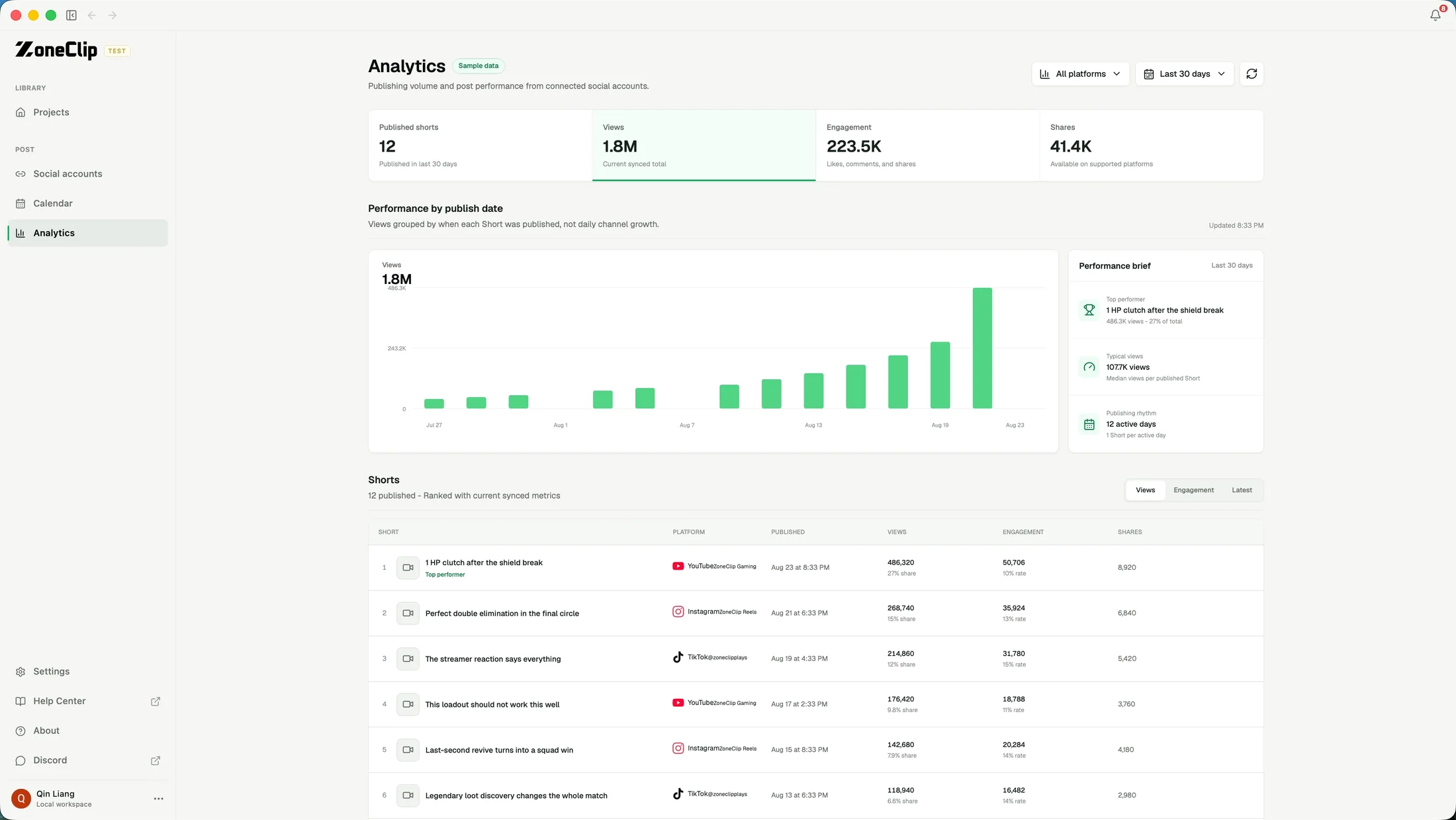
Use performance data
When supported data is available, review views and engagement beside the clips you published. Use this history to compare topics, formats, and publishing choices over time. Automatic optimization based on performance is future product direction, not a current Free guarantee.